Techno Haze is a cohesive dark theme built for hackers, tinkerers, and terminal dwellers. Inspired by Dracula, it trades flat colors for a deeper visual language — transparent surfaces, neon glows, and a purple-to-pink palette that makes every tool feel part of the same workspace.
It’s designed to wrap around your environment, not sit on top of it.
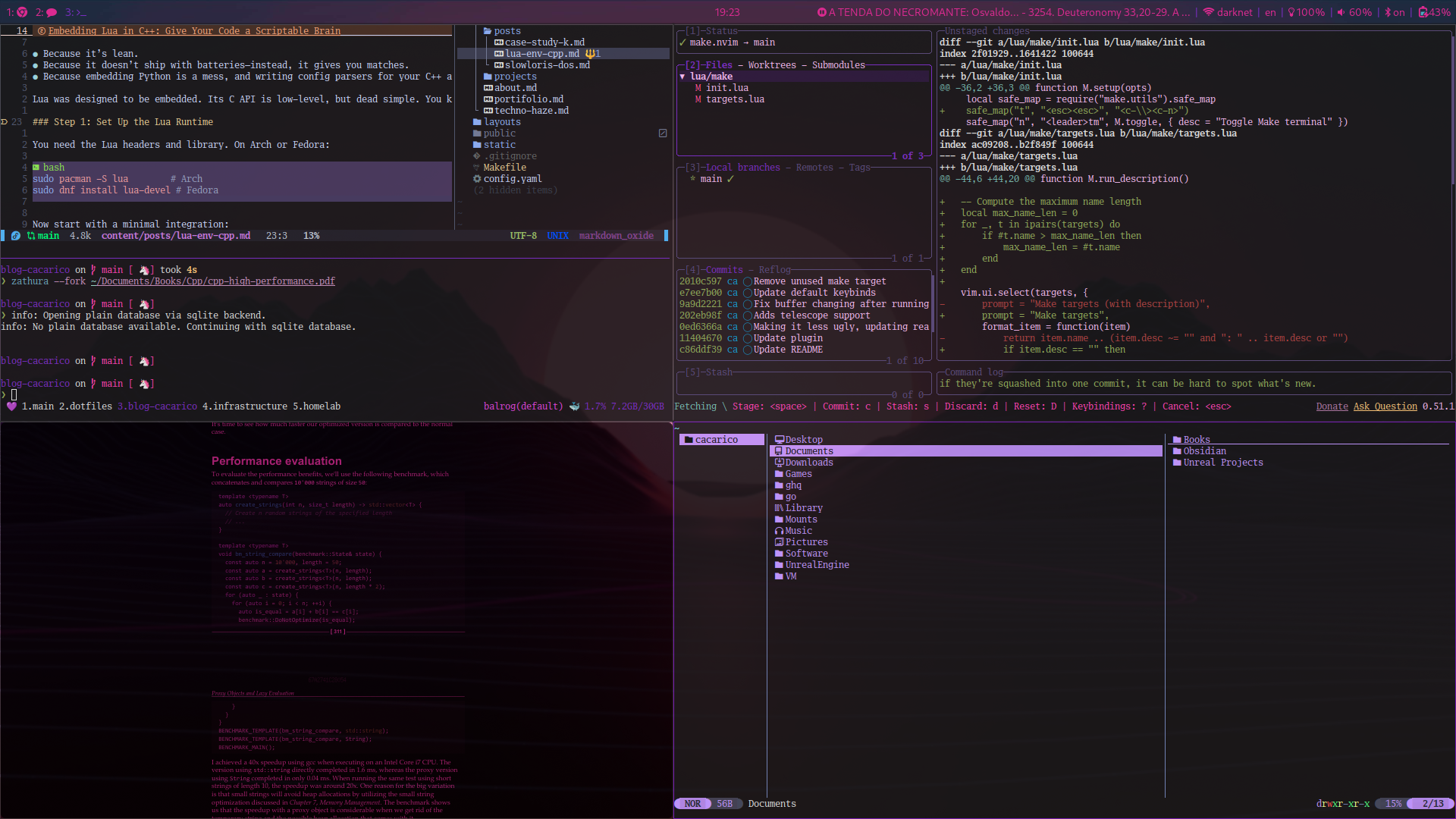
Supported Tools
Hugo Theme
The theme powering this site. A minimal, terminal-native Hugo theme built around a dark-first design philosophy — monospace fonts, neon purple palette, responsive layout, and light mode support.
Planned for public release as a standalone Hugo theme.
Waybar
Clean status bar styling with transparent backgrounds and accent highlights that match your wallpaper without competing with it.

K9s
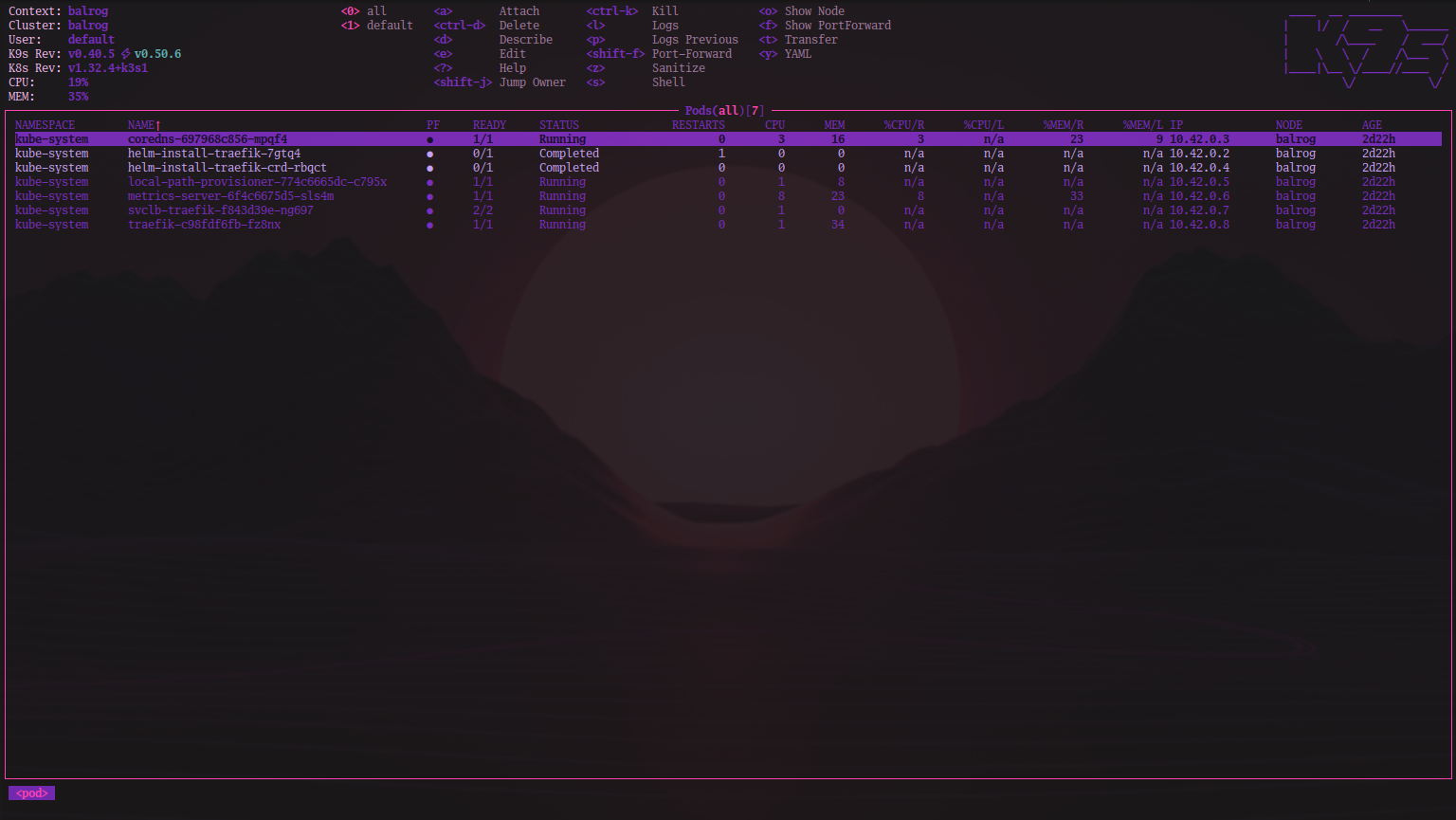
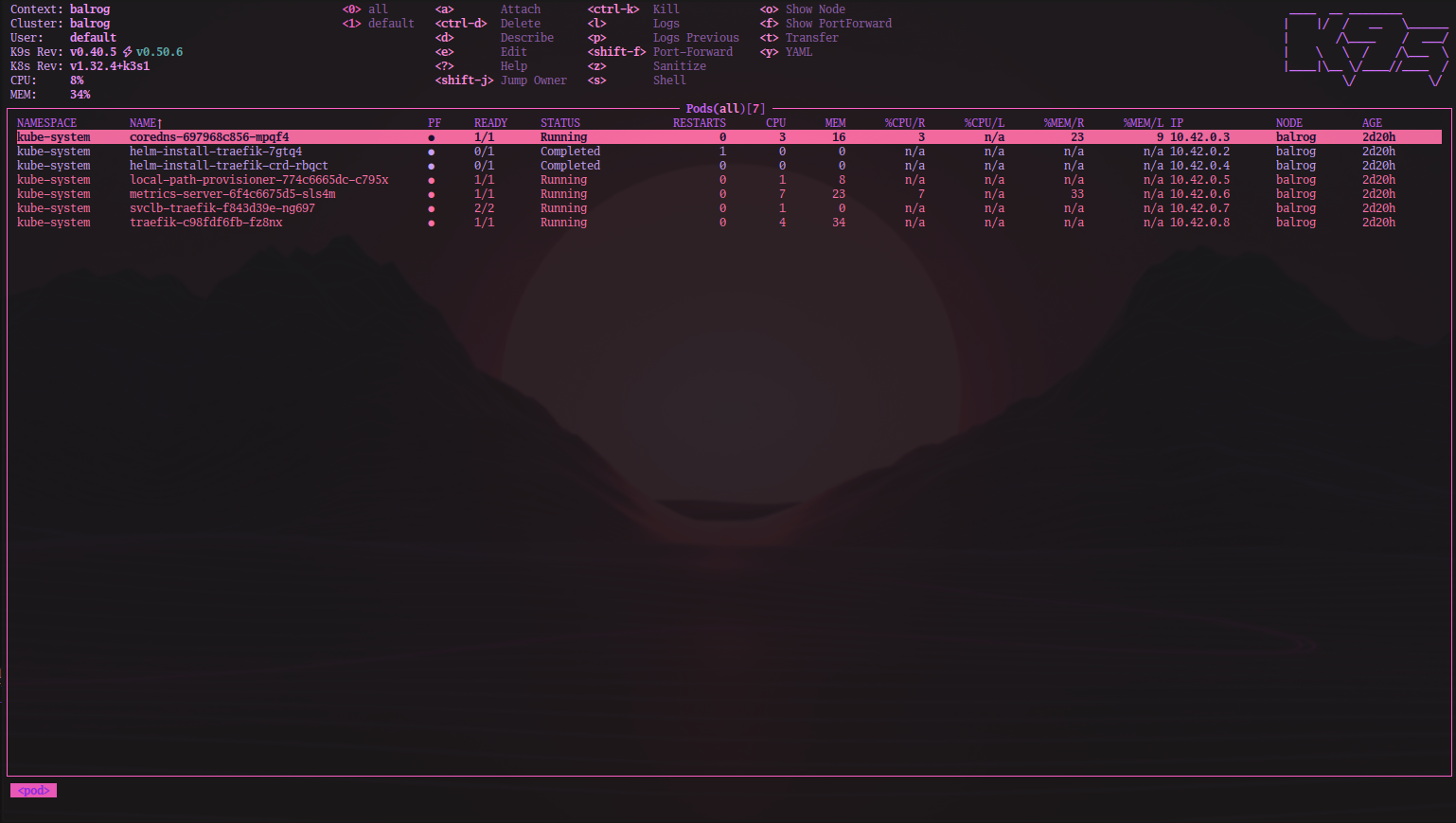
Kubernetes cluster management with a terminal interface that doesn’t look like it’s from 2003. Vivid purples and electric pinks make resource states easy to scan at a glance.
Two variants available — pick based on ambient light.
Night
Day
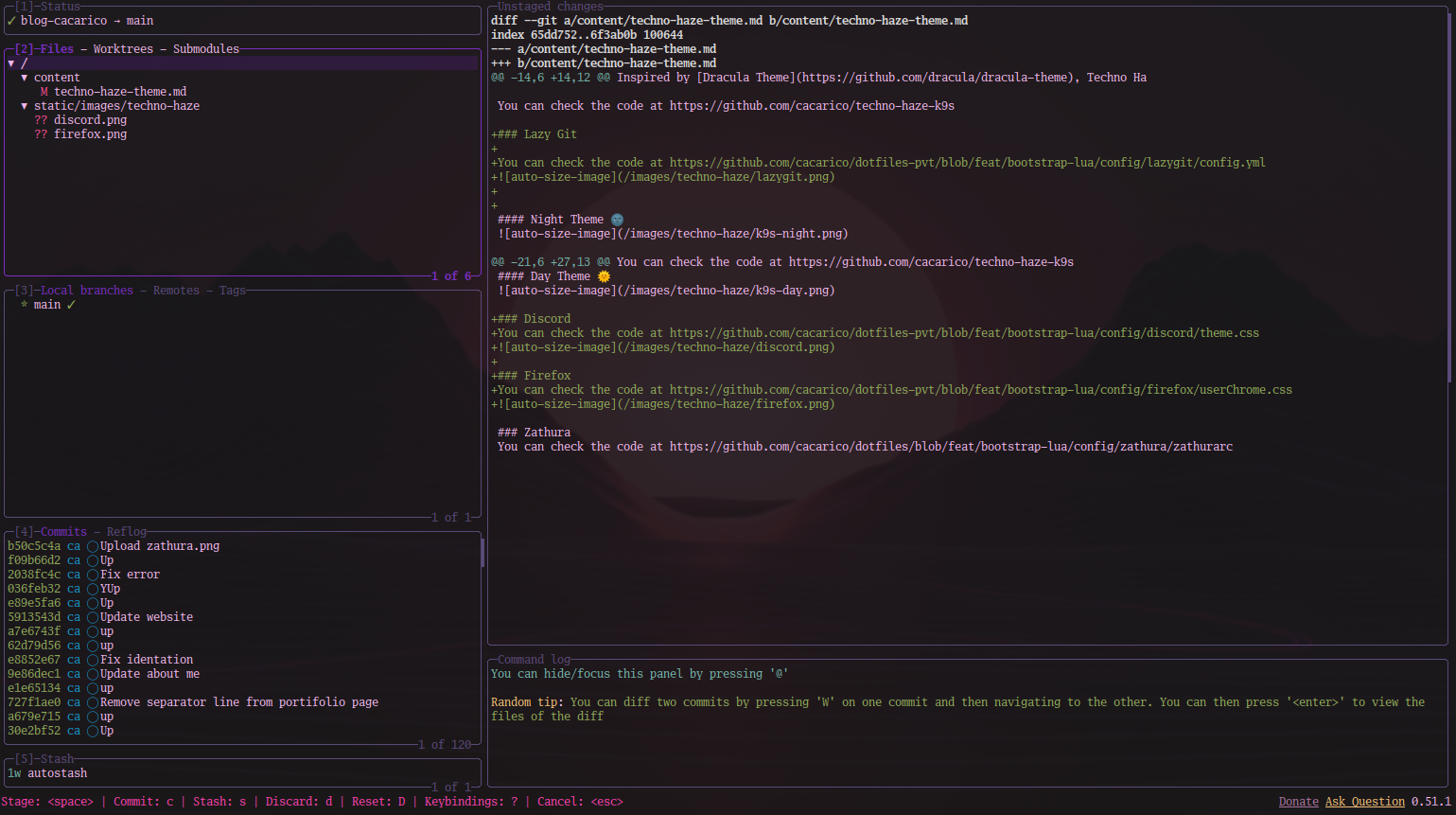
Lazygit
Git, styled. Every diff, log, and branch view coated in the same neon palette — so version control feels native to your setup instead of bolted on.
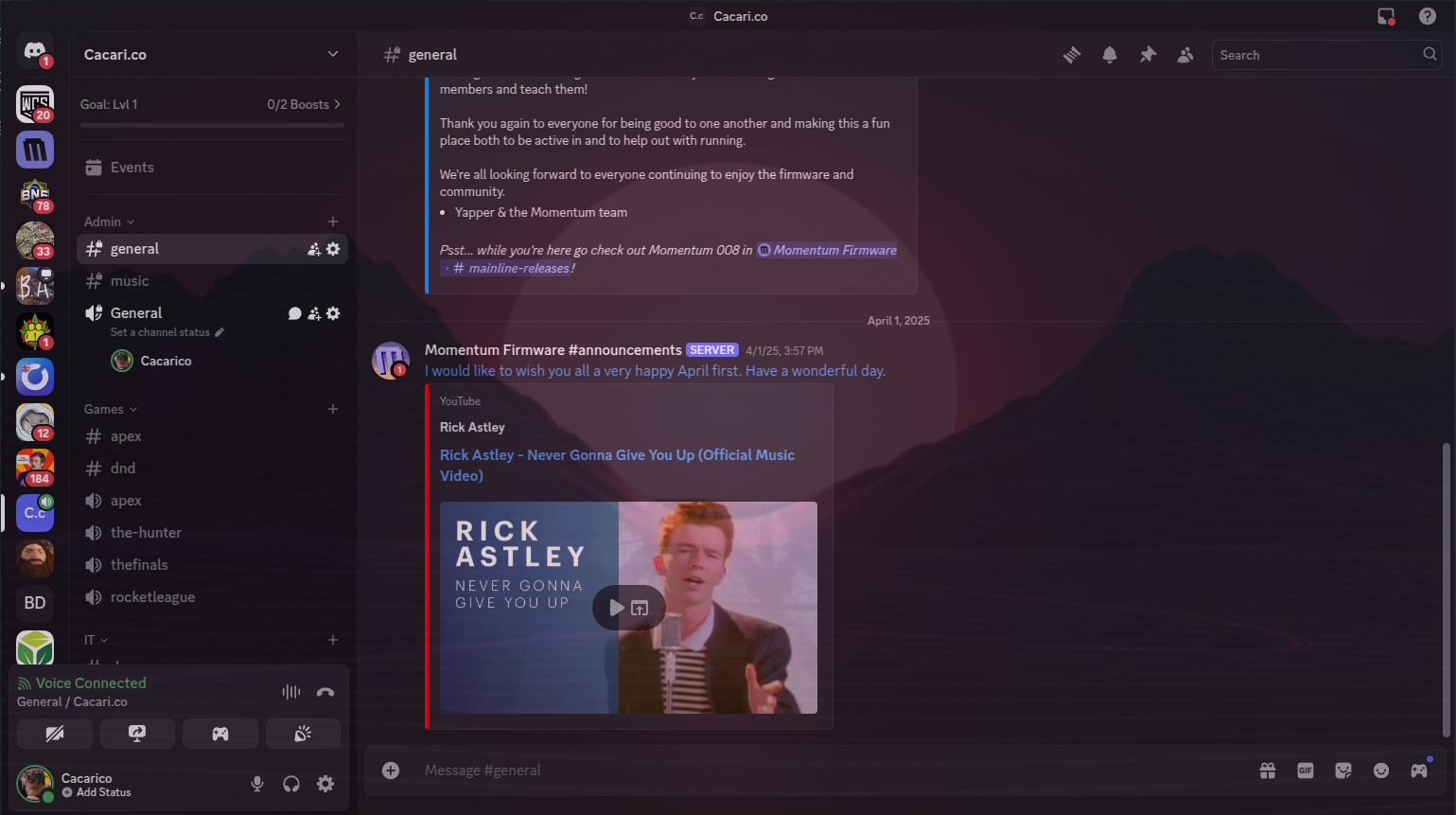
Discord
Custom CSS that carries the Techno Haze look into your daily communication. Subtle enough not to break usability, bold enough to be unmistakably yours.
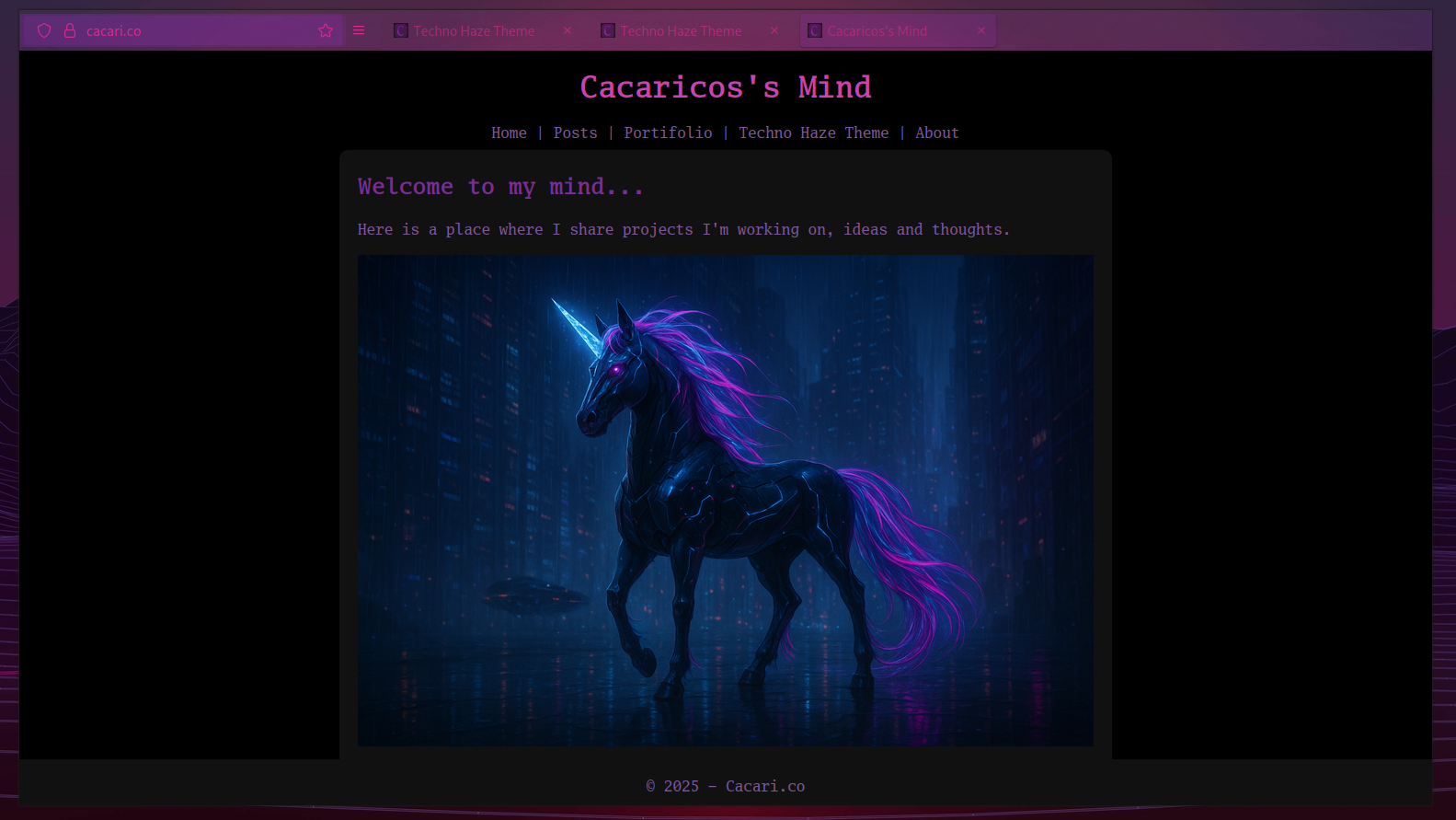
Firefox
Browser chrome reskinned to match — sidebar, tabs, address bar. The theme extends beyond your terminal so the whole screen feels unified.
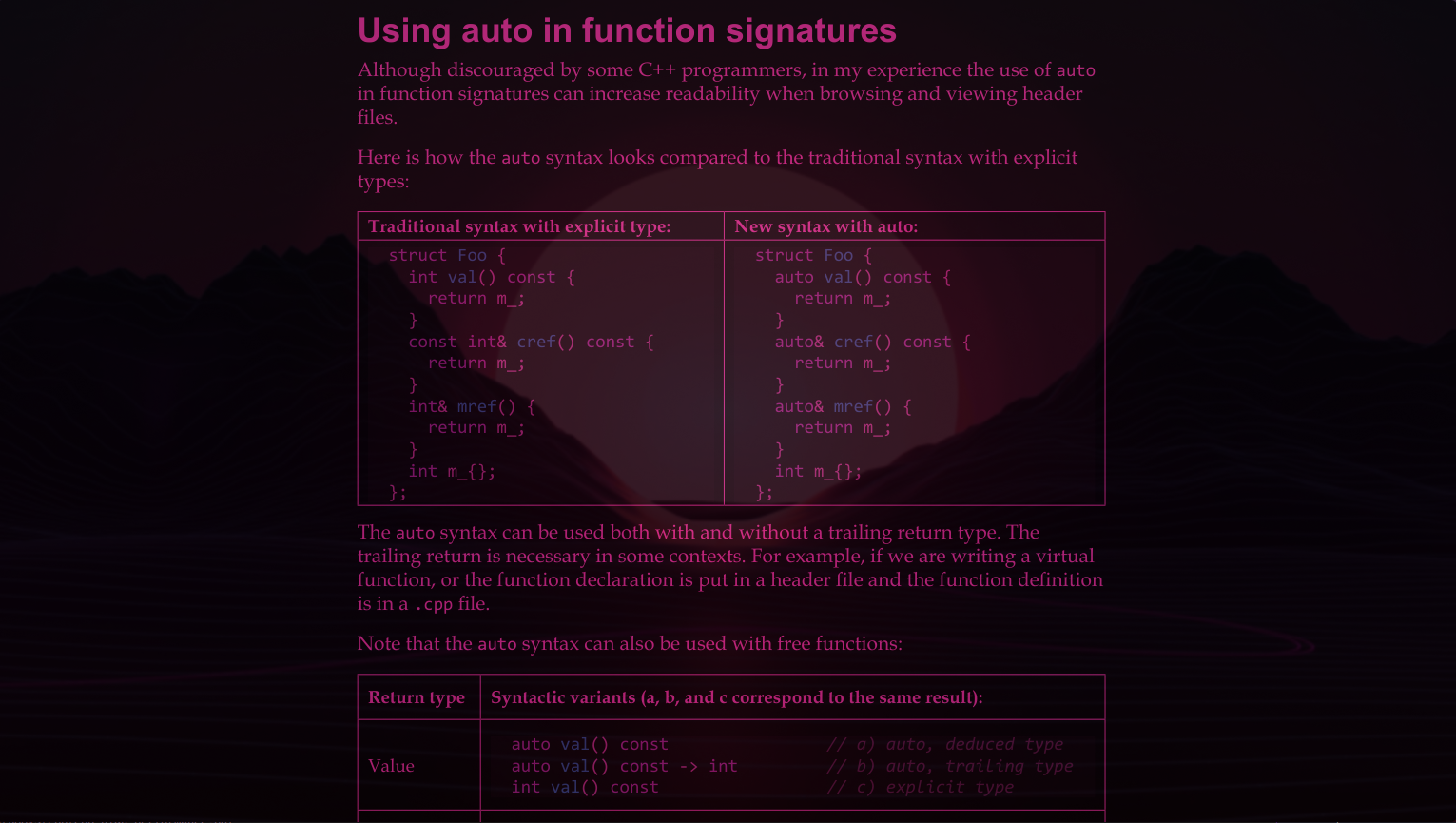
Zathura
Even your PDF reader pulls its weight. Muted backgrounds, readable text, accent colors that don’t fight your documents.
Get It
All configurations live in my dotfiles. Clone the repo, pick what you need, and drop it in. The K9s skin has its own repo at cacarico/techno-haze-k9s with install instructions.
If something doesn’t fit your setup, open an issue or fork it — the whole point is that your environment should feel like yours.